01
Your existing CV
Upload your current file, in whatever layout you use. Your work history, education, and skills are already there.
Any CV layout. Your experience carried over. Upload the file you already have and get a clean, editable Harvard-format draft with AI wording suggestions. No retyping. No starting over.
Upload your current file, in whatever layout you use. Your work history, education, and skills are already there.
Your information is organized into Harvard format, with suggested wording improvements for you to review.
Check the details, approve the wording, and export your PDF. Refine it in chat whenever you want.
Your experience is the source.
You have the final say.
Names, contact information, jobs, dates, education, and skills are extracted from your file. Check them in the editable draft.
A single-column layout, standard section headings, and consistent formatting give your experience room to speak.
Turn rough descriptions into clearer achievement statements. AI suggestions stay yours to check, edit, or reject.
You do not need to type your work history into each field. Add missing details only when you want to complete the draft.
Not ready to sign up? Get a free Harvard CV review of your current CV first. Explore the Harvard resume format, or use the AI CV optimizer to keep improving an existing draft.
No chat required to start.
Your existing CV supplies the details.
Choose your existing file. Your jobs, education, and skills are already in it—there’s no need to enter them again.
harvardcv. / upload
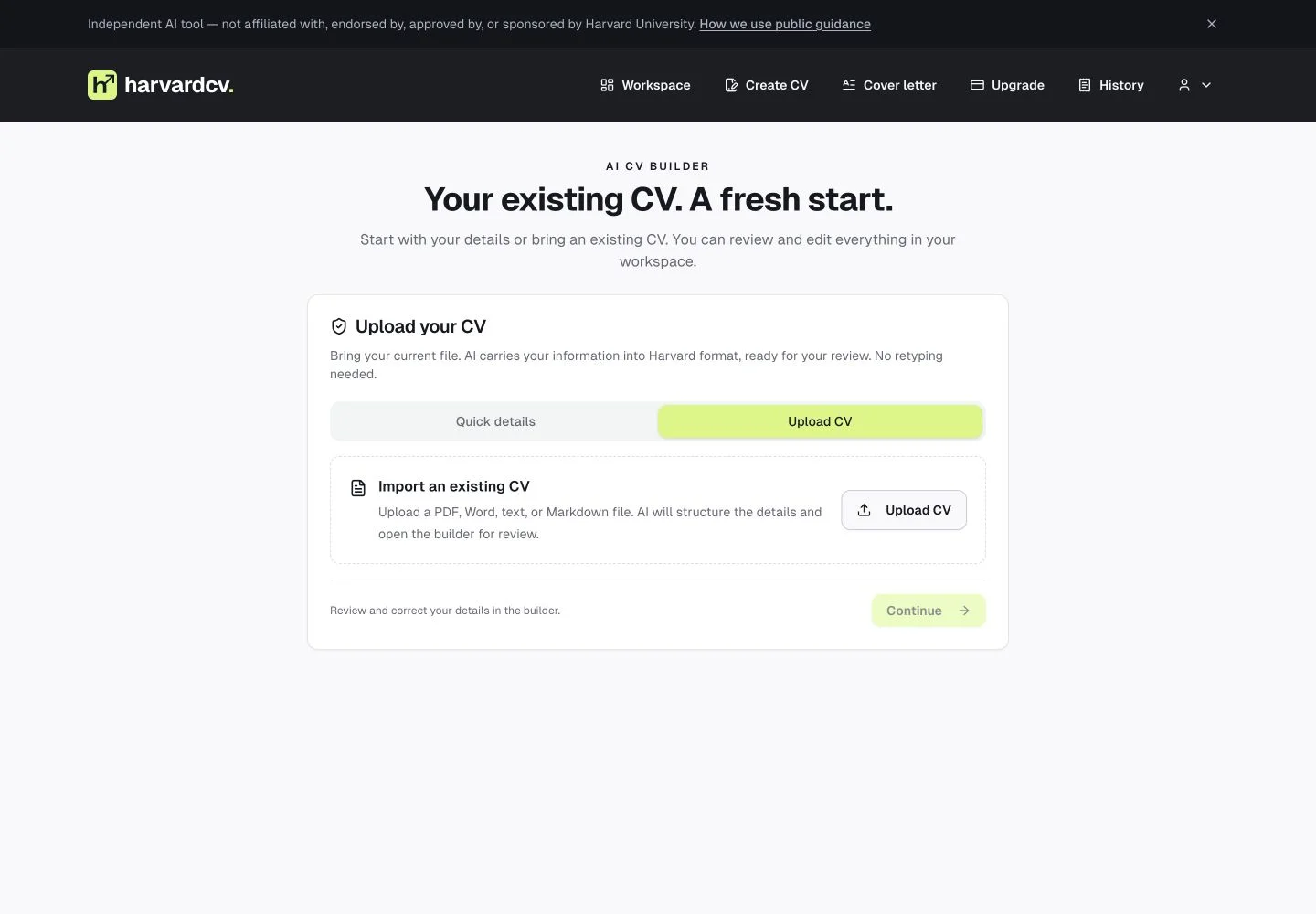
AI organizes your information into Harvard format and suggests stronger wording. Check the details, make it yours, and export.
harvardcv. / your new draft
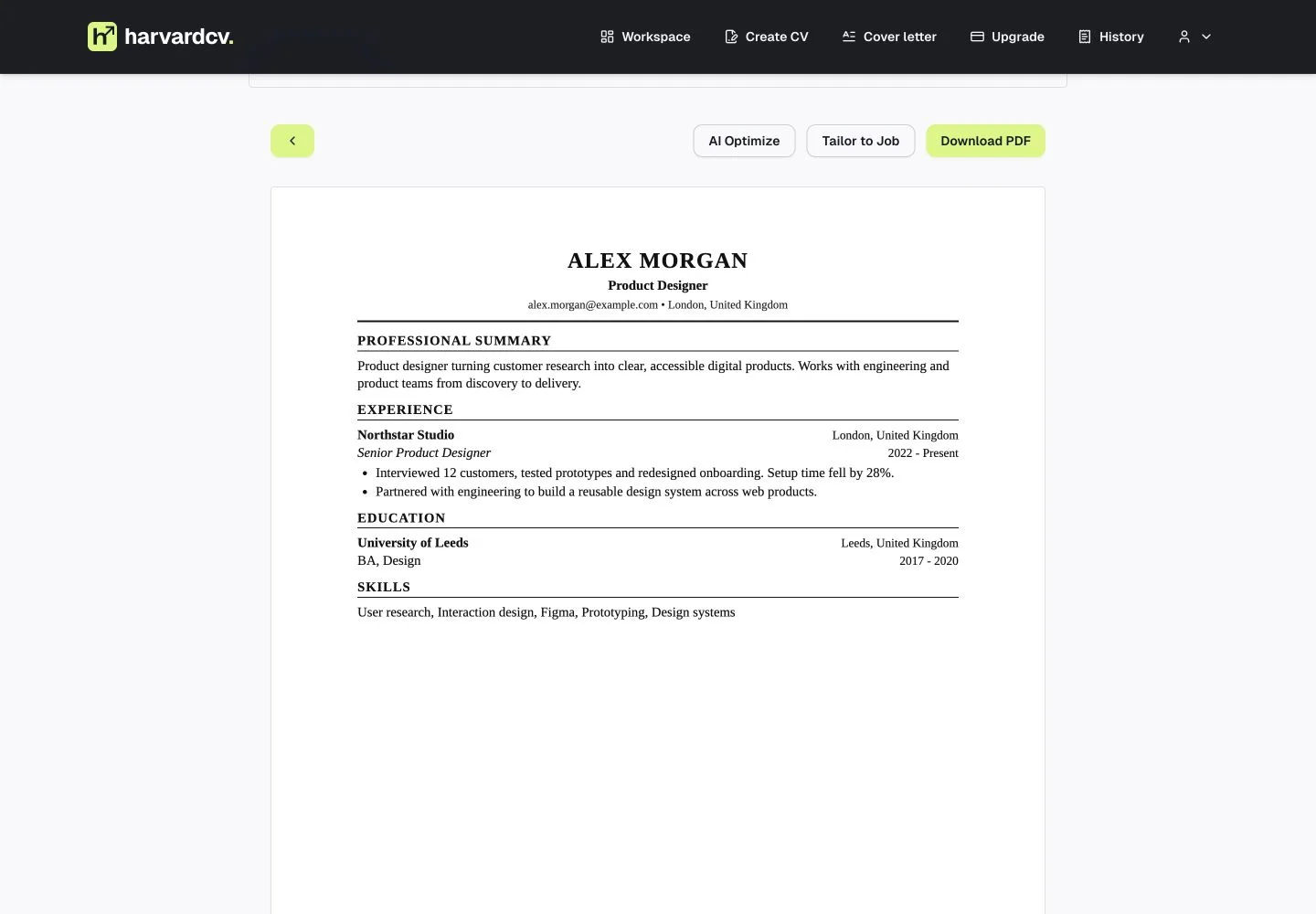
PUT IT INTO PRACTICE
Conversion reads the text in your file and places it in a single-column Harvard layout. How much checking the draft needs depends on how the original was built.
| Your current file | What usually happens | Check in the draft |
|---|---|---|
| A single-column Word or PDF CV | The text is read in order, so jobs, dates and bullets arrive together. | Dates for each role, and that links still point where they did. |
| A two-column or sidebar design | All the text is read, but the two columns can interleave. | That each bullet sits under the right job, and that sidebar skills and contact details arrived. |
| A CV built from tables or text boxes | Content inside boxes can come through out of order, or be missed. | Compare section by section with the original and add anything missing. |
| A scanned or photographed PDF | Nothing can be read: the file is a picture of text. The app does not run OCR and will tell you so. | Upload the Word or text original instead, or start a new draft. |
| A CV with a photo, icons, charts or skill bars | The words carry over. Images do not, and a rating bar has no text to carry. | Name each skill in text. The Harvard layout has no photo. |
| Plain text or Markdown notes | Everything is read; the sections are inferred from your headings. | That each line landed in the right section, and that every job has dates. |
The layout changes completely: one column, standard headings, and a fixed section order with Experience before Education. Colours, columns, graphics and a photo have no place in it and are dropped. Your employers, job titles, dates, qualifications and contact details are carried over as you wrote them. A date the app cannot read with confidence stays as written and gets a review note, so you can correct it yourself.
You can have that. Suggested rewrites are kept apart from your text: each one is shown beside the original line and stays pending until you confirm it. A pending suggestion is left out of the PDF. Dismiss the ones you do not want and export; the CV will carry your sentences in the new layout.
Upload a readable PDF, DOC, DOCX, TXT or Markdown file of up to 4MB. A CV that is larger than that almost always contains images; export a text-only copy. Password-protected files need the protection removed first. If you only have a paper copy, type the facts into a new draft; that is quicker than repairing a bad scan.
Would you rather move the content across by hand? Start from the editable .docx.
Download the free Harvard CV template for WordPut the two side by side and check the facts before you read any suggested wording.
Supported files, factual review,
and what you get.
No. Start with the CV you already have, whatever its layout. AI extracts the readable content and organizes it into the app’s clean, single-column Harvard format. You do not need to rebuild your CV in a template yourself.
Upload a readable PDF, Word document (.doc or .docx), plain text, or Markdown CV up to 4MB. Any layout means your CV does not need a particular template; it does not mean every file type is supported. If a scanned PDF has no extractable text, use a text-based PDF or Word version.
The AI is designed to carry over your supplied names, contact details, roles, dates, education, and skills. Review the extracted information before exporting. Suggested achievement rewrites may include clearly marked example details; replace or remove those and approve only facts that are true for you.
No extra career details are required to generate the first draft from a readable CV. Your uploaded file provides the starting information. You can add anything missing during review, or use chat for optional changes.
Yes. Alongside the Harvard-format draft, AI can suggest clearer summaries and stronger achievement wording. Review the suggestions, make them accurate to your experience, and keep control over what goes into your final CV.
An editable Harvard-format CV that you can review, refine in chat, and export as a PDF. Building, editing and previewing are free. Downloading the PDF needs one CV credit, paid once. See the current price on our pricing page; editing and re-downloading that unlocked CV does not require another CV credit. There is no subscription.
Yes, as long as the file contains selectable text. The words are read and placed in a single column; the design itself, including columns, colours, icons and skill bars, is not kept. Two columns can interleave during reading, so check that each bullet sits under the right job and that sidebar details such as skills and contact information arrived.
No. The Harvard format is a text-only, single-column layout with no photo, so images in your file are not carried over. If a specific employer or country expects a photo, follow that application’s instructions separately.
The app exports PDF only. If you need a .docx, download our free Harvard CV template for Word from the template page and move your content into it yourself.
Yes. Suggested rewrites are shown beside your original lines and stay pending until you confirm them. Pending suggestions are left out of the PDF, so you can dismiss them and export your own sentences in the new layout.
One CV credit: —. No subscription.
View credit options
Loading current prices…
Charged in USD. Applicable taxes added at checkout.
